This article explains how to link an operator with an Existing Bookeasy listing to your Destination's Bookeasy account.
Note: Tour Operators who use Rezdy, Fareharbor or a booking system connected via Livn are linked to your Booking Centre in a different process. Refer to the Knowsledgebase Articles 'Connecting Rezdy Operators', 'Connecting Fareharbor Operators' and 'Connecting Livn Connections'.
Note: Prior communication with the Operator is essential, prior to linking to your Bookeasy account. During this communication you should discuss booking processes, your Booking Centre Terms & Conditions, Commission levels and your online booking presence.
Accessing Operator Search
- Log into your Bookeasy console.
- From the dashboard screen, placed your cursor in Operator Search
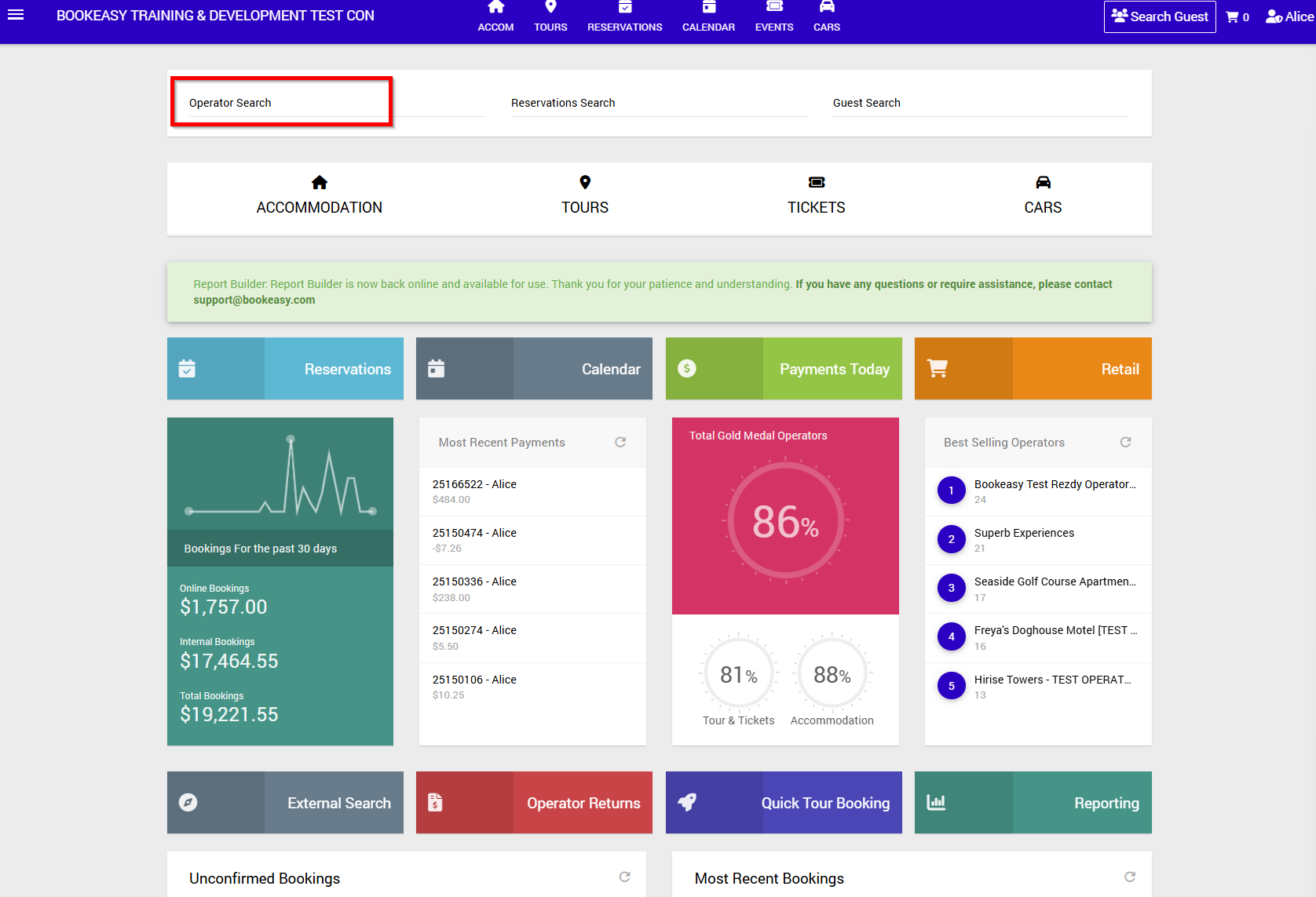
- Enter the Business Name [or part Business Name] of the Operator you wish to link to your Bookeasy Console.
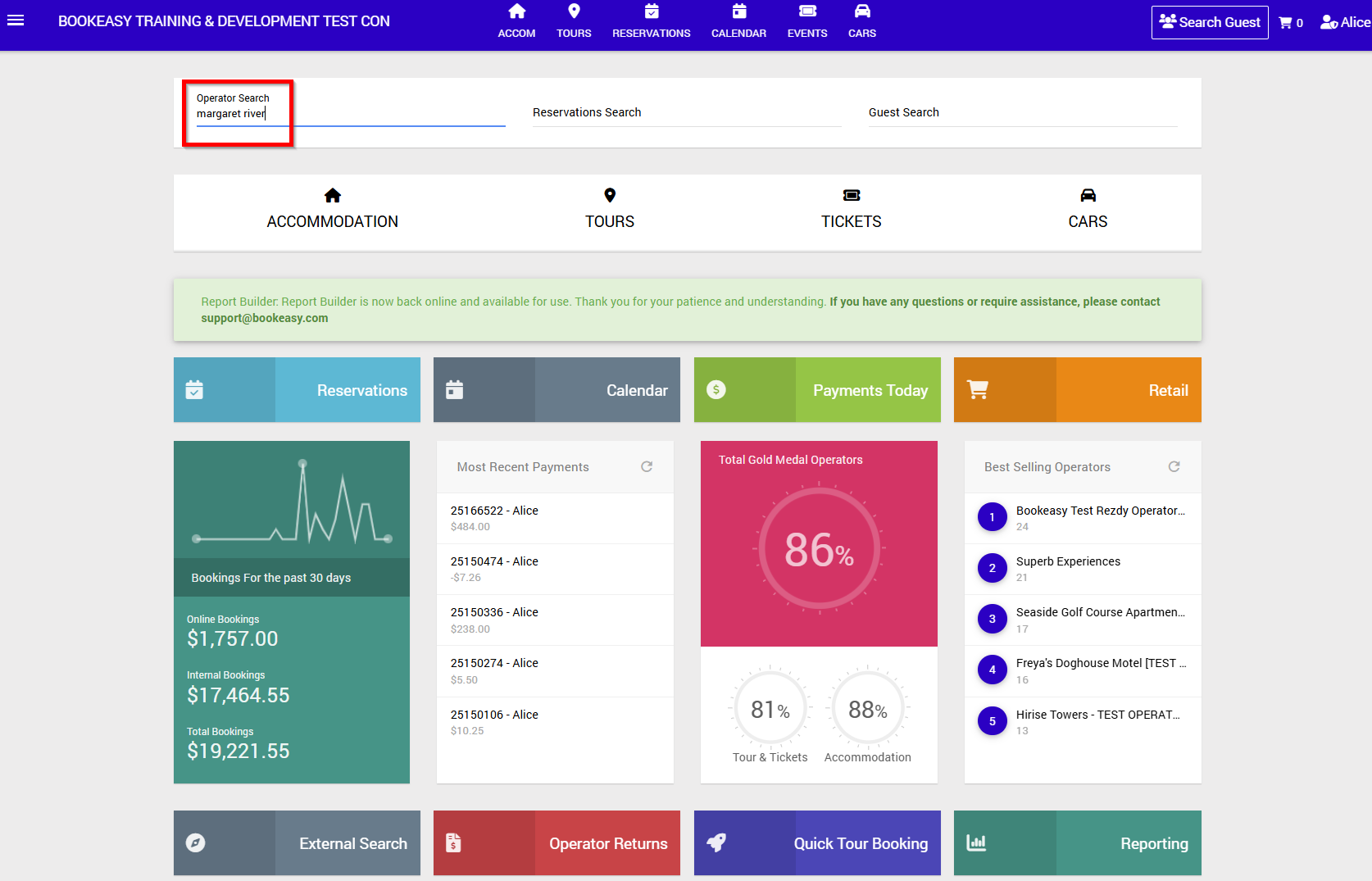
- 'No Results To Display' confirms this Operator is not already linked to your Bookeasy Console.
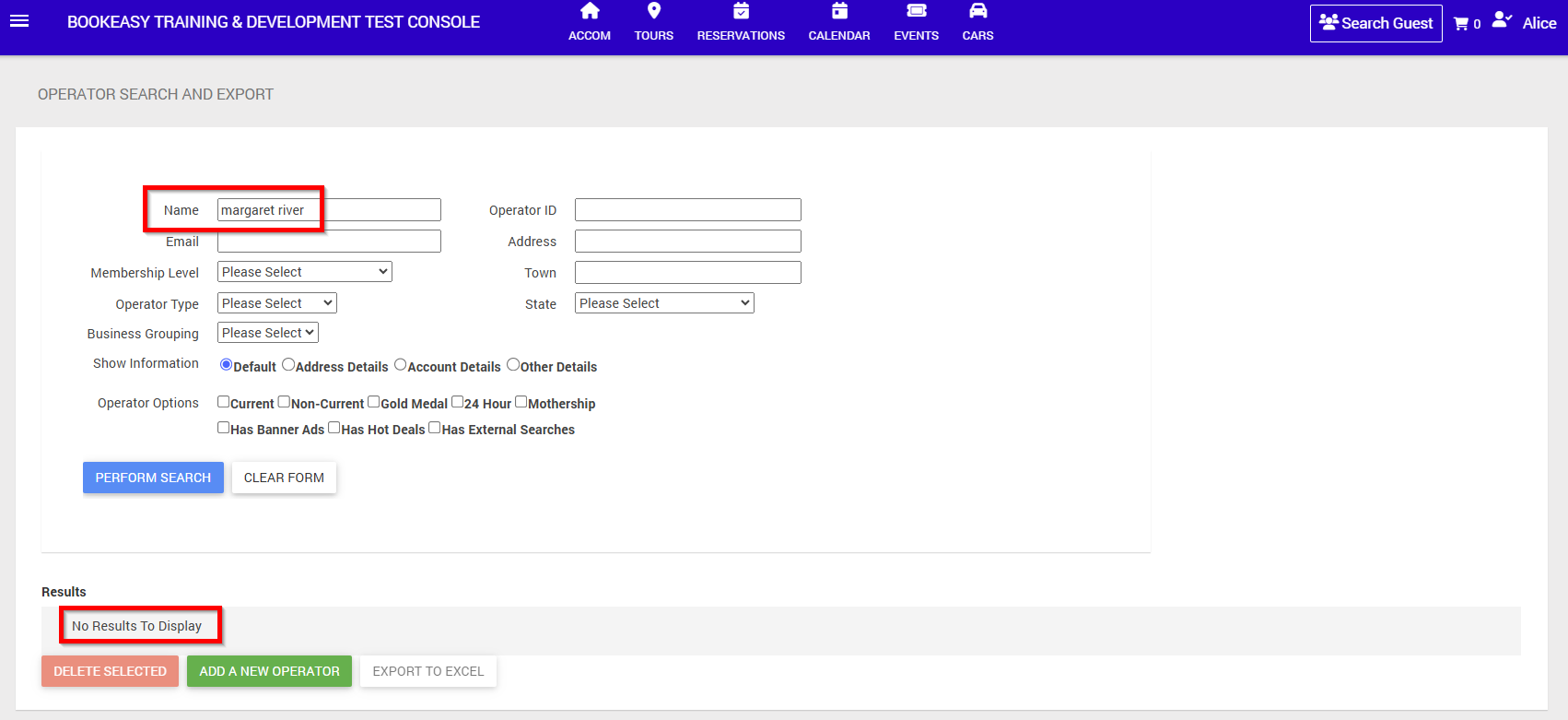
- Select Add a New Operator to proceed.
- A Search Screen will allow you to search the Bookeasy Mareketplace for this Operator.
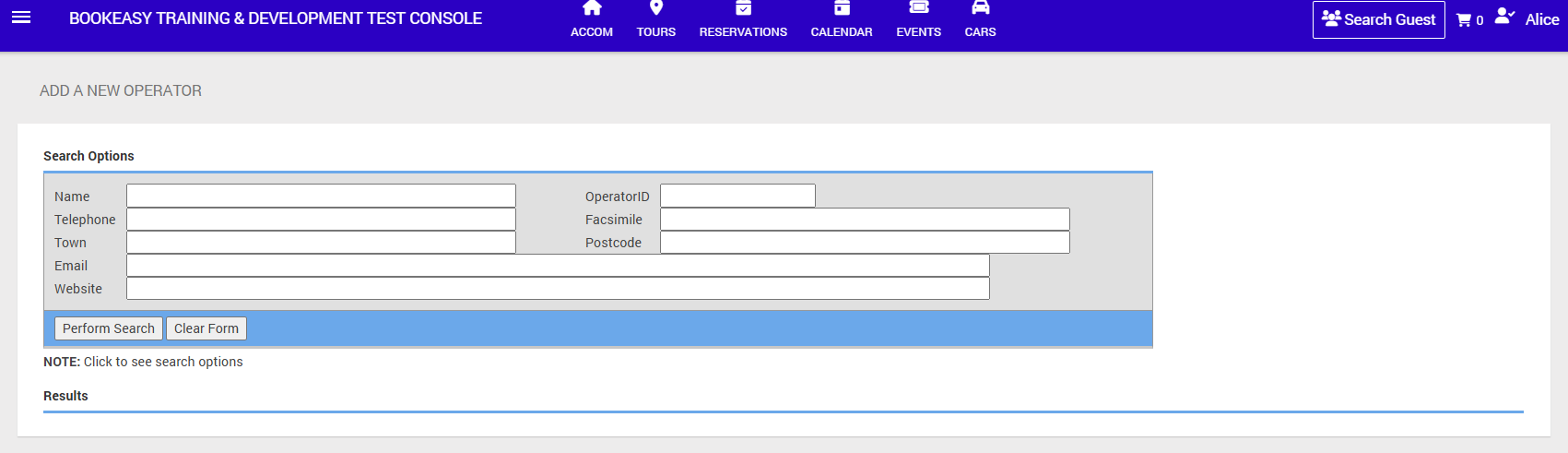
- Enter the Business Name [or Part Business Name], or Telephone, Town, Email, Website to filter the details of the Operator. Select Perform Search.
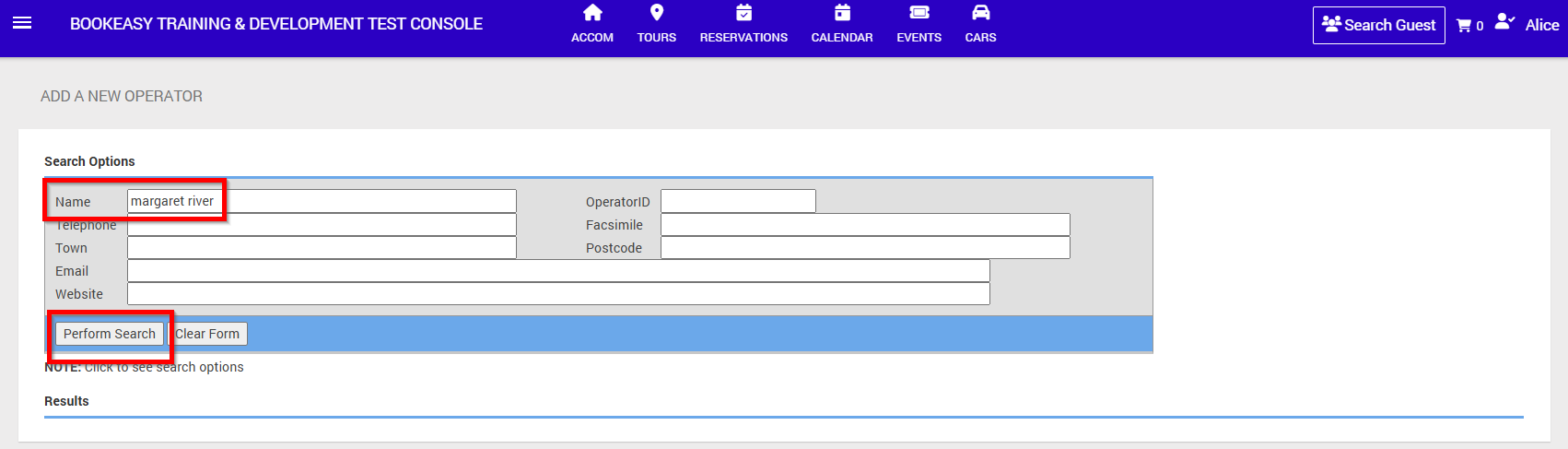
- The Operator will be listed if they have agreed to be part of the Bookeasy Marketplace.
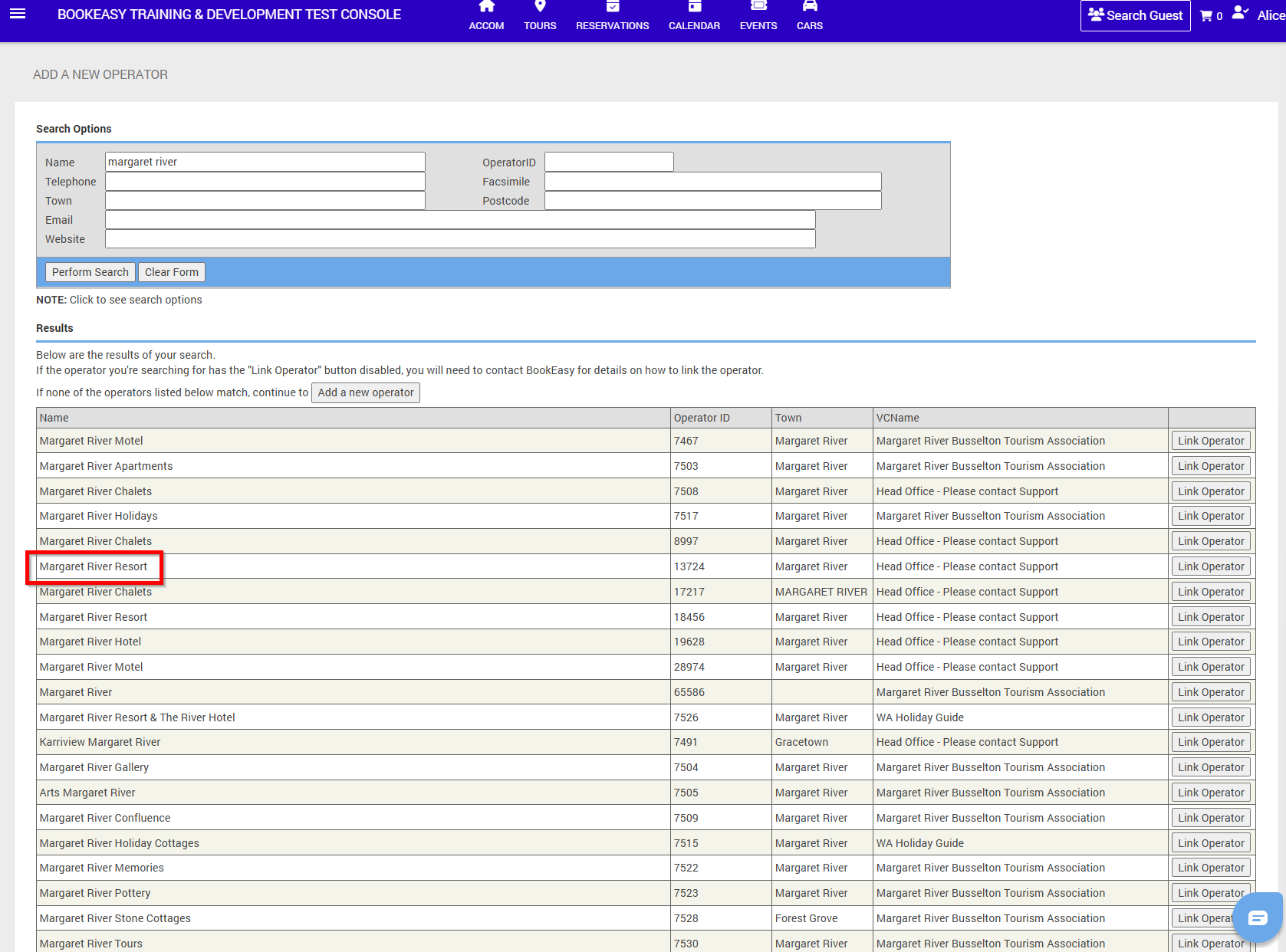
Linking the Operator
- Beware of Duplicate listings.
If an Operator is listed more than once, contact the Operator to ensure you are linking the correct Operator ID.
Reach out to Bookeasy Support if you require assistance determining the correct Operator ID.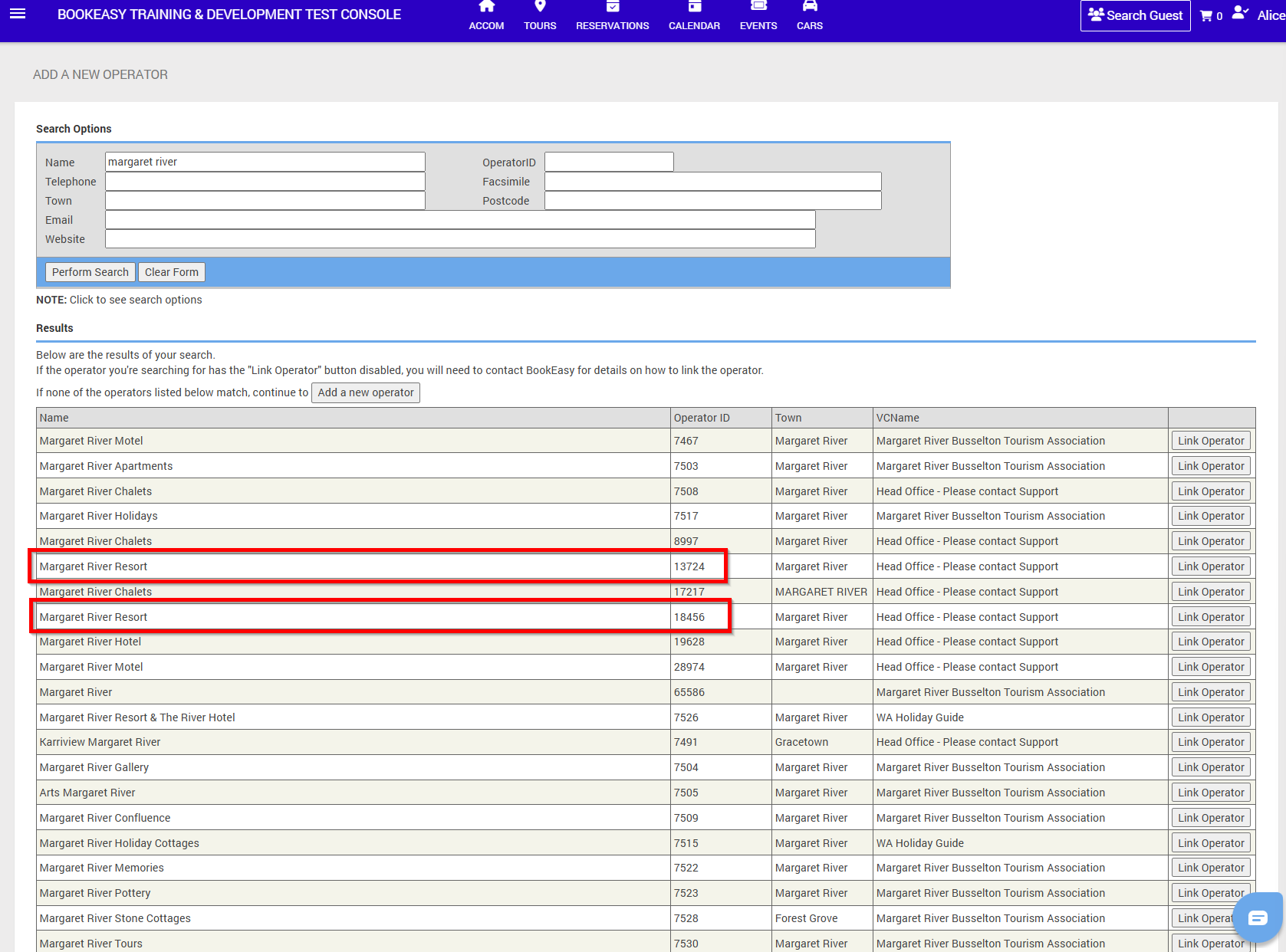
- Select Link Operator on the right hand side of the Operator ID you wish to link.
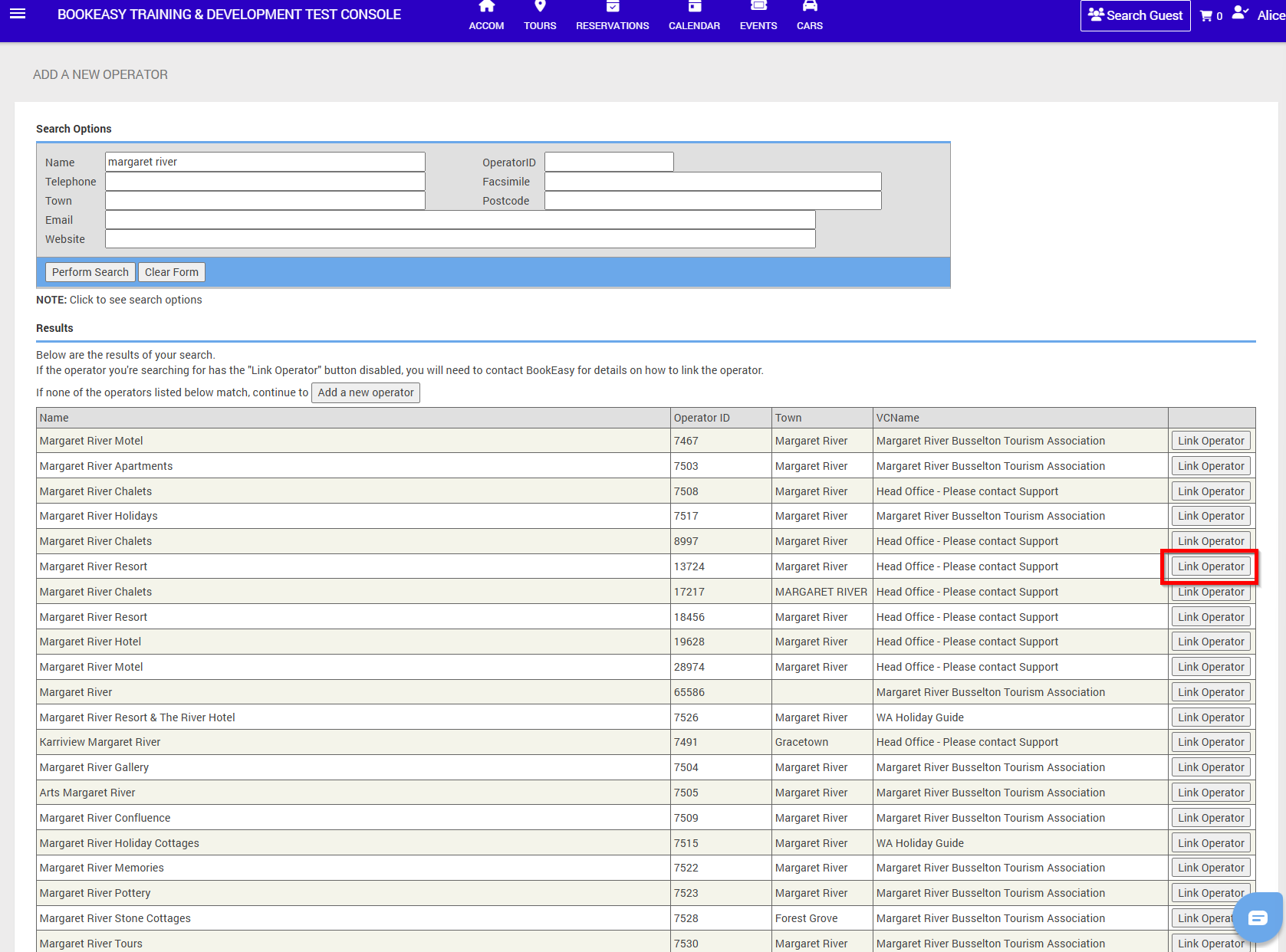
- Select Current Operator if the Operator is to be bookable via Booking Centre Staff and your destination booking engine.
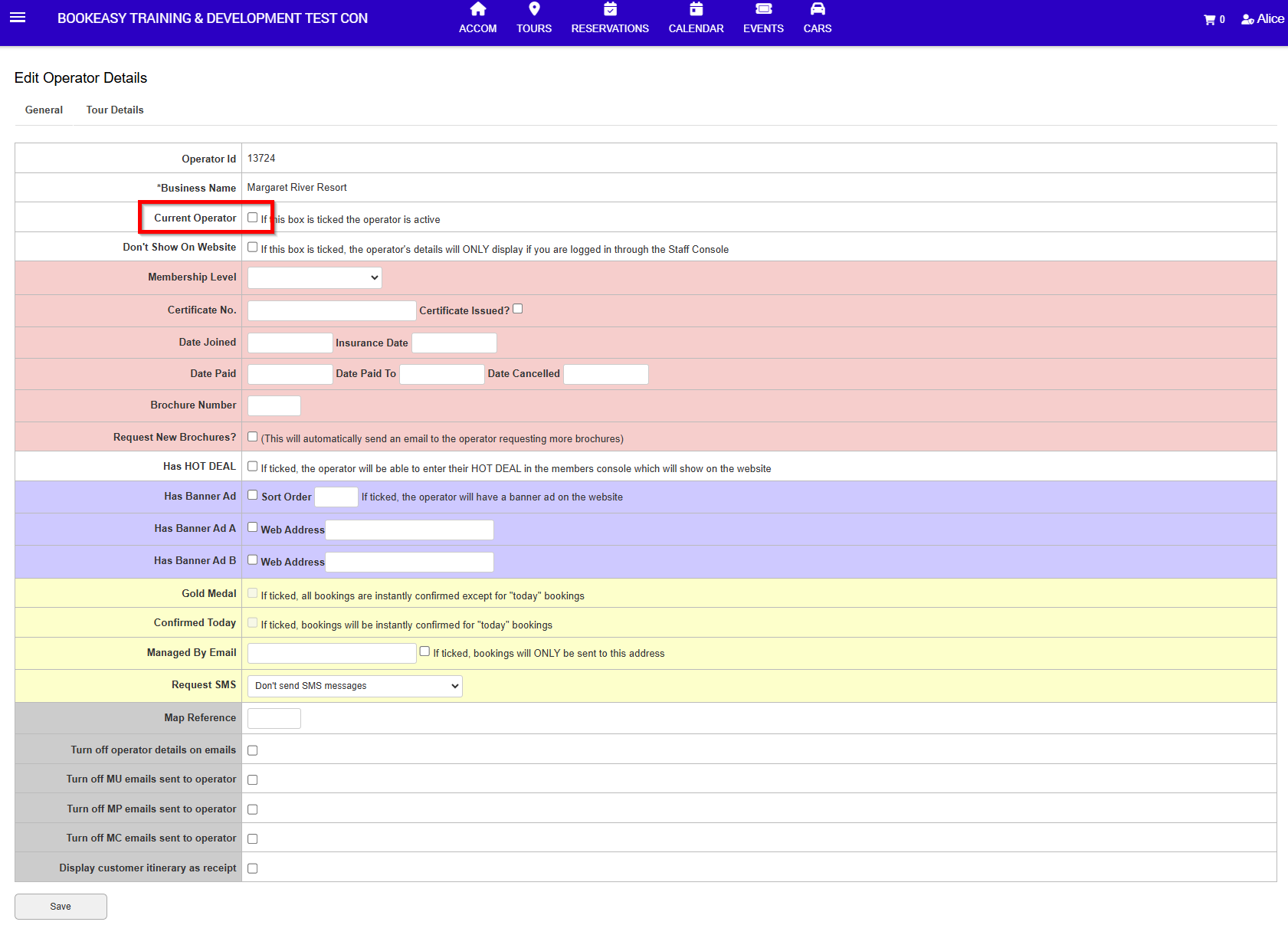
- Select Current Operator and Don't Show on Website if the Operator is to be bookable via Booking Centre Staff but not your destination booking engine
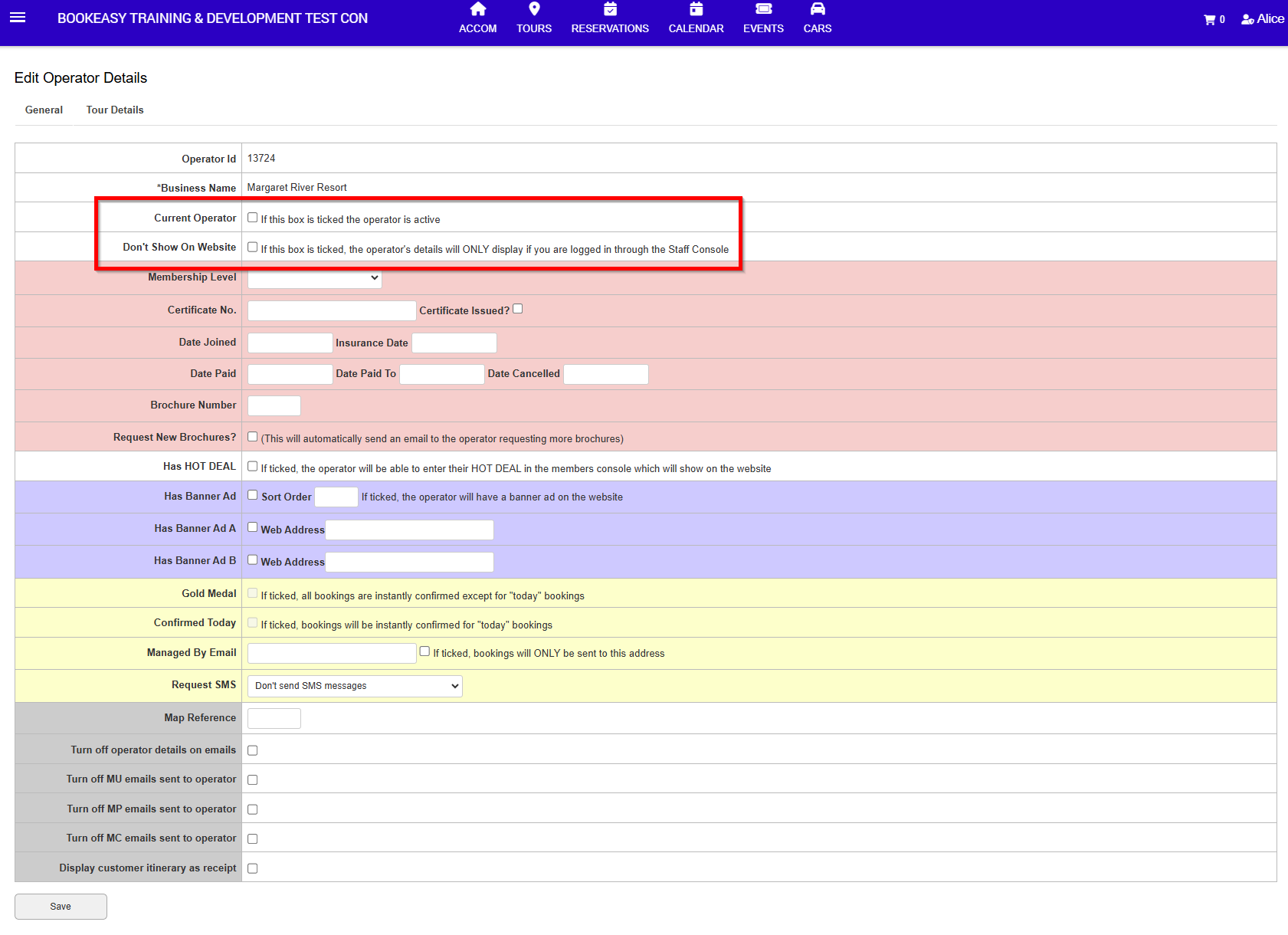
- Click Save
If the Operator does not appear on the Marketplace List
- The Operator may not have agreed to be part of the Bookeasy Marketplace.
If you have confirmed linking the Operator directly, reach out to Bookeasy Support. - The Operator does not have a Bookeasy listing.
Refer to the Knowledgebase Article 'Adding a New Operator Listing'