This article explains how to log into Bookeasy for the first time, reset your password, and complete multi-factor authentication (MFA). As a PCI compliant system, Bookeasy uses MFA to help protect customer and payment information.
Login URL
Your team may have a custom login URL for your Bookeasy console. If required, you can also use the generic login page:
https://www.bookeasy.com.au/login.aspx?location=
Important: Using the generic login URL may prevent your booking locations from automatically displaying during login.
First Time Login
When logging into Bookeasy for the first time, you will need to create a password using the Forgot Password option.
To create your password
1. Navigate to the Bookeasy login page.
2. Select Forgot Password.
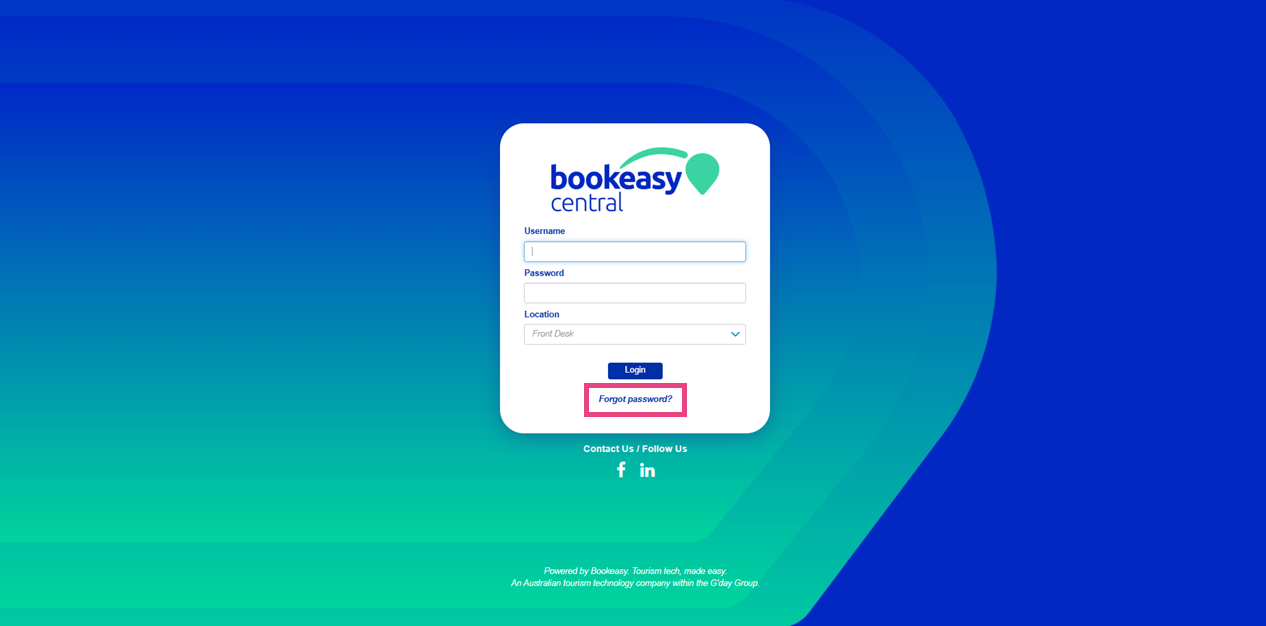
3. Enter your username.
Note: If you do not know your username, contact support@bookeasy.com If your email address matches the details recorded against your Bookeasy account, support will be able to assist with your login details.
4. Select Next.
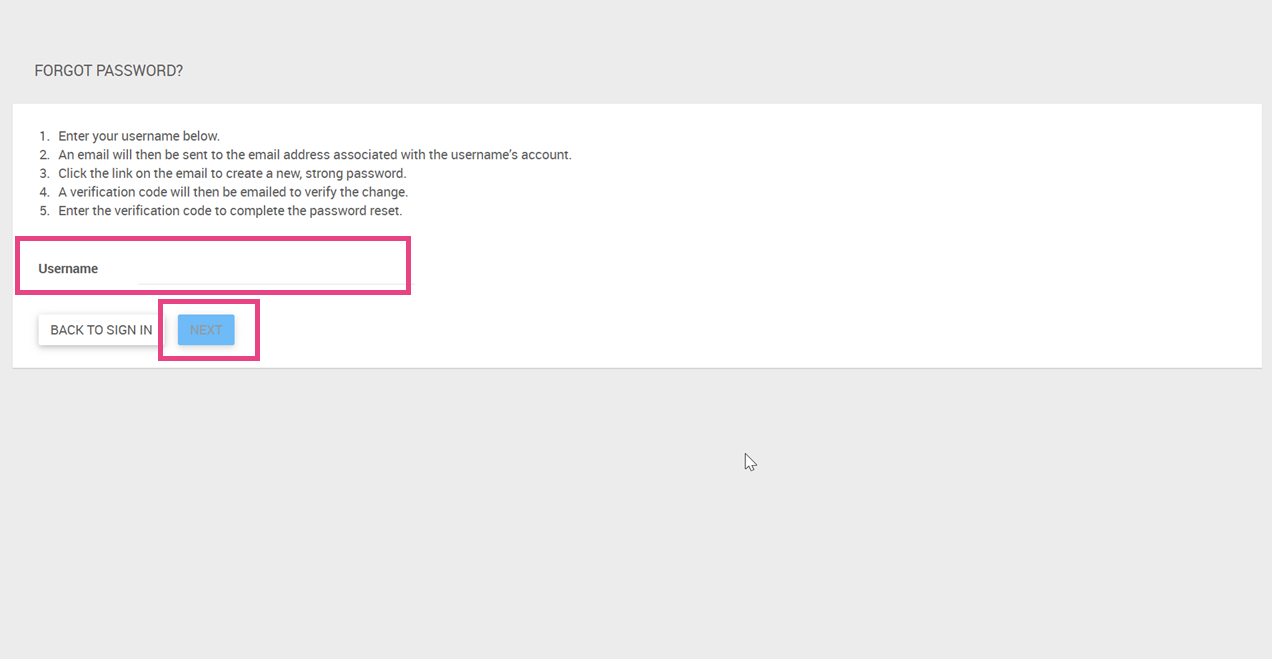
5. An email will then be sent to the email address associated with your account.
6. Open the email and select the password reset link.
7. Create a new strong password.
8. A verification code will then be emailed to you.
Note: This can take up to 90 seconds. Please remember to check your junk.
9. Enter the verification code to complete the password reset process.
Logging Into Bookeasy
1. Once your password has been created, return to the login link.
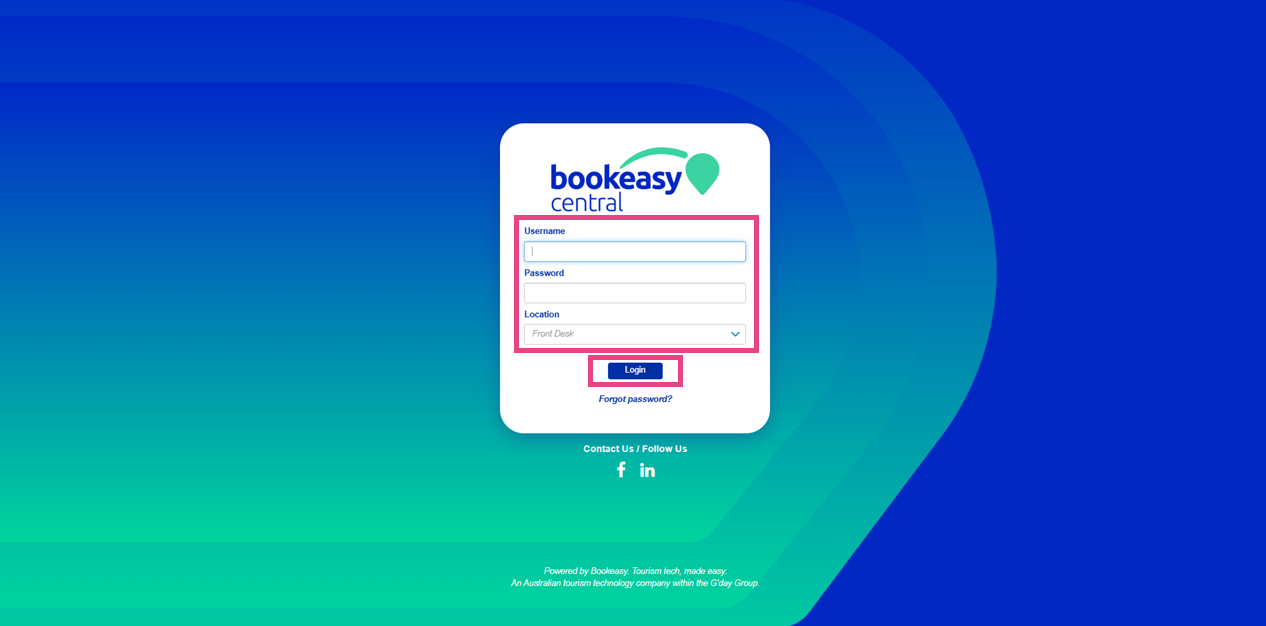
2. Enter your:
- Username
- Password
- Booking Location (If using the generic login link, just select anything from the drop down)
3. Select Login.
4. The system will then send a verification code to your email address as part of multi-factor authentication (MFA).
5. Enter the verification code to complete login.
6. When logging in for the first time on a new device after resetting your password, you may be prompted to: Remember this device. Selecting this option reduces the need for MFA verification during future logins on the same trusted device.
Recommended: Only select Remember this device on secure work devices that are not shared publicly.